MouseRec

What is MouseRec?
MouseRec is a lightweight macOS utility that helps you automate repetitive tasks by recording your mouse and keyboard actions, then replaying them on demand as reusable macros.
macOS
automation
productivity
macros
swift
Key features
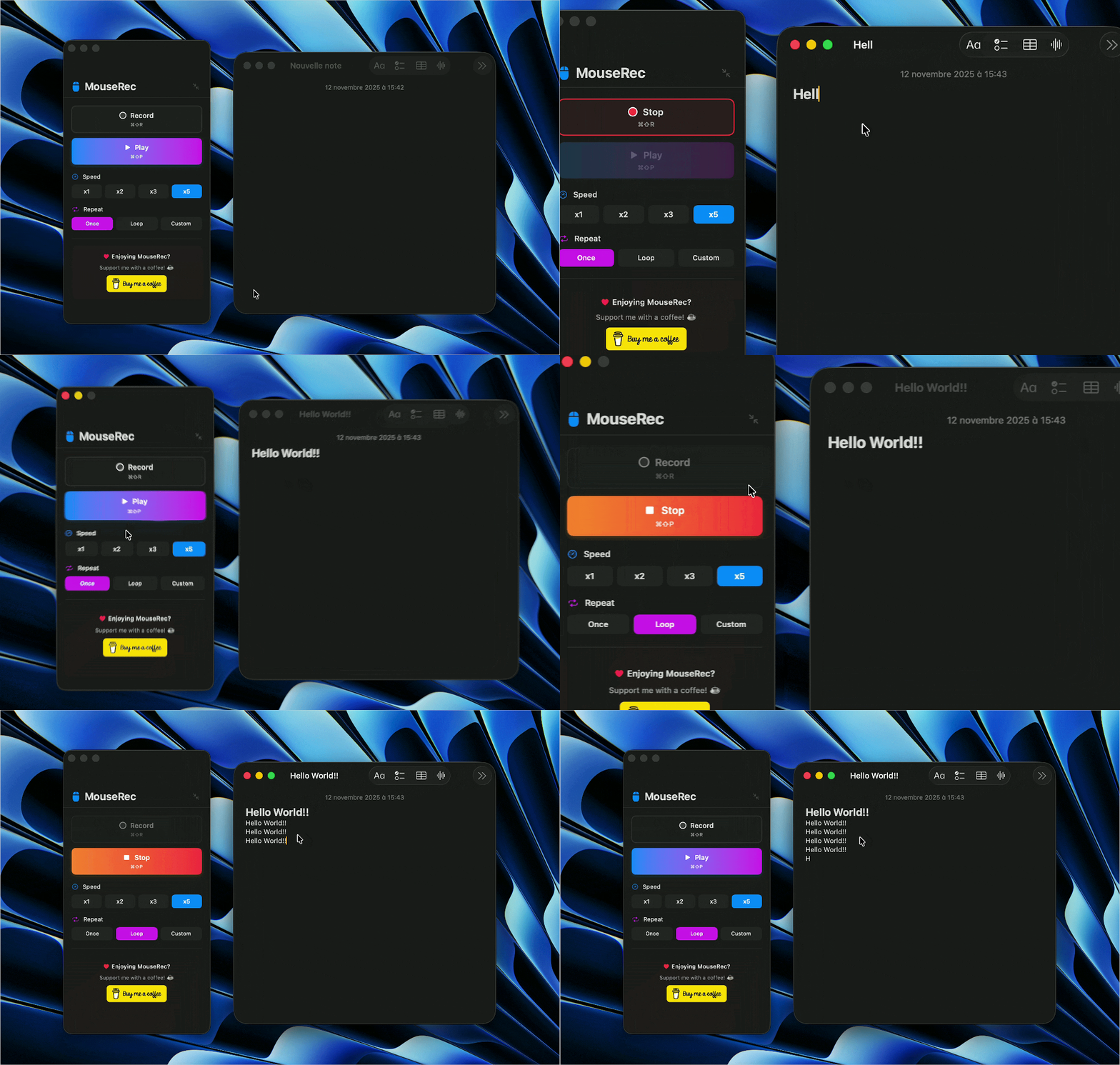
- Precise capture of mouse and keyboard actions
- Save sequences as reusable macros
- One‑click automatic playback
- Loop playback to repeat sequences continuously
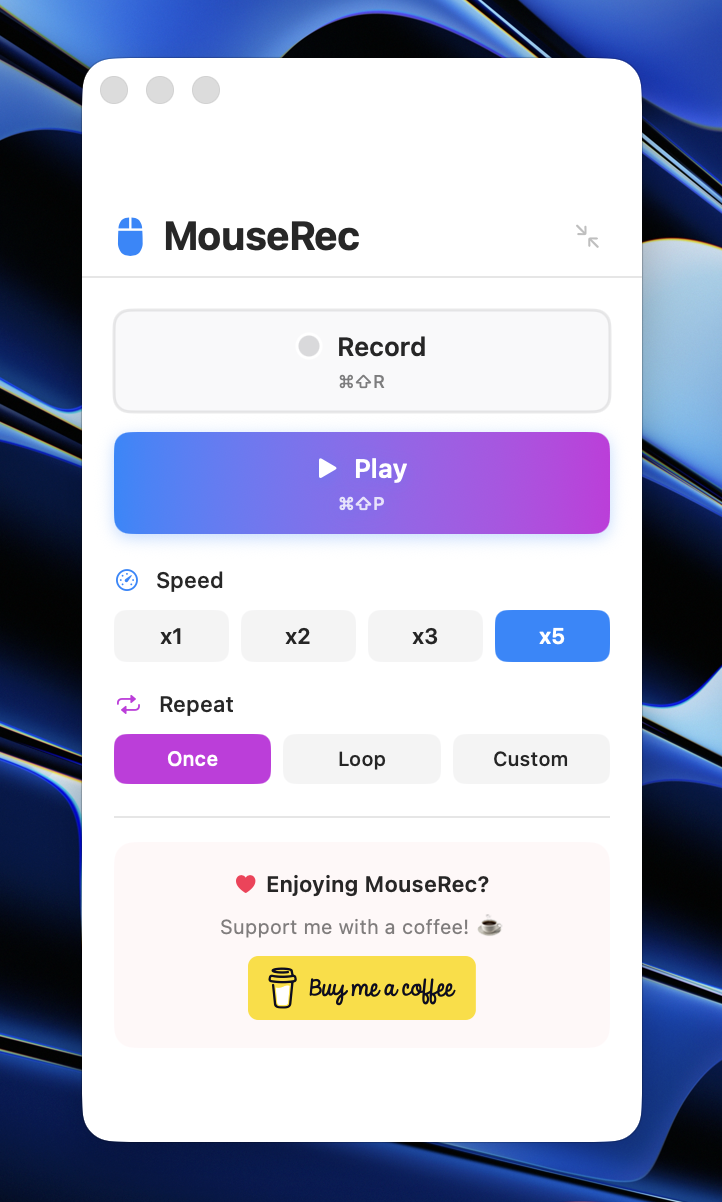
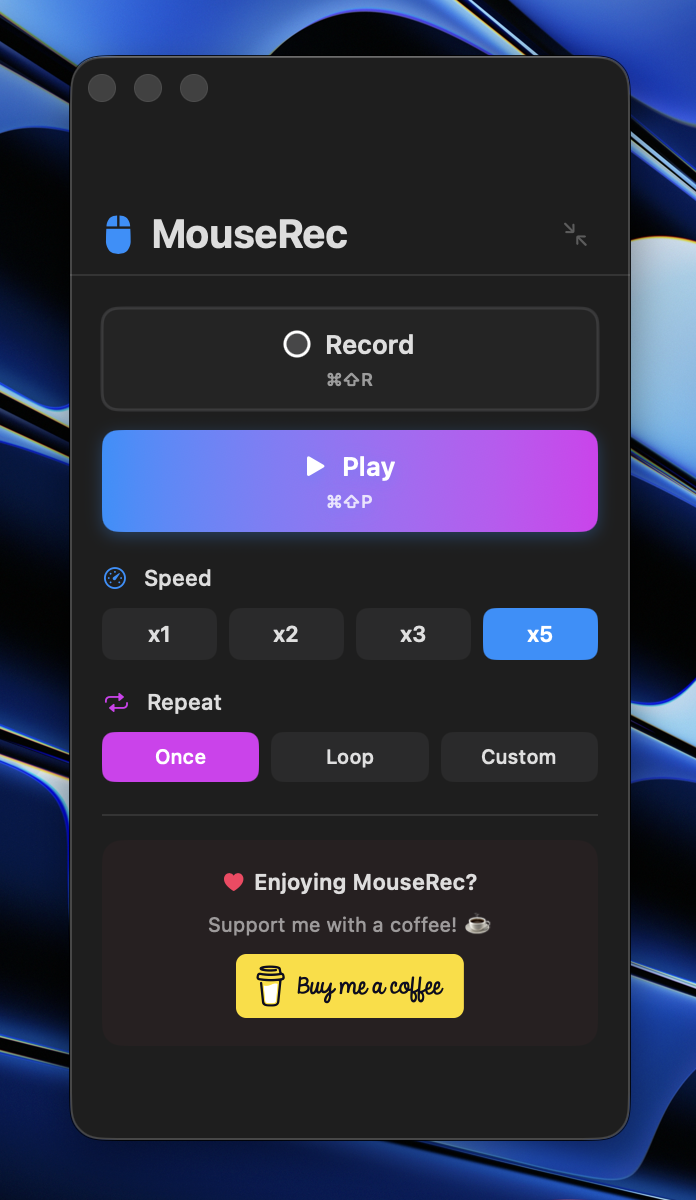
- Adjustable playback speed (2×, 3×, 5×)
- Global keyboard shortcuts for quick access
Keyboard shortcuts
MouseRec supports global hotkeys that work system-wide, even when the app is in the background:
- ⌘⇧R — Start/stop recording
- ⌘⇧P — Playback the last recorded macro
Why it’s useful
Whether you’re testing interfaces, filling forms, or repeating daily setup flows, MouseRec removes the busywork so you can stay focused on what matters.
Availability and tech
- Platform: macOS
- Built with: Swift
Download
Getting started
- Record a sequence: start recording, perform your actions, then stop.
- Save your macro and give it a name.
- Replay it once, loop it, or change the playback speed.
Legal
- Privacy Policy — MouseRec does not collect any data
- Terms of Use — Usage terms and conditions
Want to follow development or request a feature? Open an issue on the GitHub repository or reach out to me directly.